P-KL2

Device Description
The P-KL2 panel is designed to control fan coil operation via the KL-01m 230 Sbus and KL-01 230 Modbus modules. The panel communicates with the module via a wired connection using the Modbus protocol. The device is equipped with a temperature and humidity sensor. The panel allows you to set basic parameters such as the setpoint temperature, operating mode, and temperature sensor calibration. More advanced options are available by connecting the P-KL1 / P-KL3 panel or via the Sinum app.

Clear and easy-to-read display

Clear and easy-to-read display
Installation

Installation
Our devices have been designed with easy installation in mind. They are intended for wall-mounted installation, with the option of fitting into a standard 60 mm electrical box for a more convenient and aesthetic setup.
- Installation type: surface-mounted
- Recommended electrical box: 60 mm diameter
Thanks to the precisely fitted design, installation is quick and simple, and our devices blend perfectly into any interior arrangement. The straightforward installation process ensures that you can enjoy modern design and functionality without unnecessary complications.
Connection and Communication

Connection and Communication
Registration – The button located on the back of the device is used to register the controller within the system. Pressing it initiates the pairing process with the central unit. Once the registration process is completed successfully, an appropriate message will appear on the controller display.
Power Supply and Communication – On the rear side of the controller there is a connector used for connecting:
12V power supply – required for proper device operation,
SBUS communication (A, B) – enabling connection with the system central unit.
Device Dimensions

Device Dimensions
Devices from the Single series have been designed in a compact form. Thanks to their precisely selected dimensions, the devices fit perfectly into standard installation boxes, ensuring an aesthetic finish and perfect fit.
Dimension Details
- Dimensions: 80.5×80.5×21mm
- Installation type: surface-mounted (with the option of installation on a 60mm electrical box)
Remote Control
Remote Control
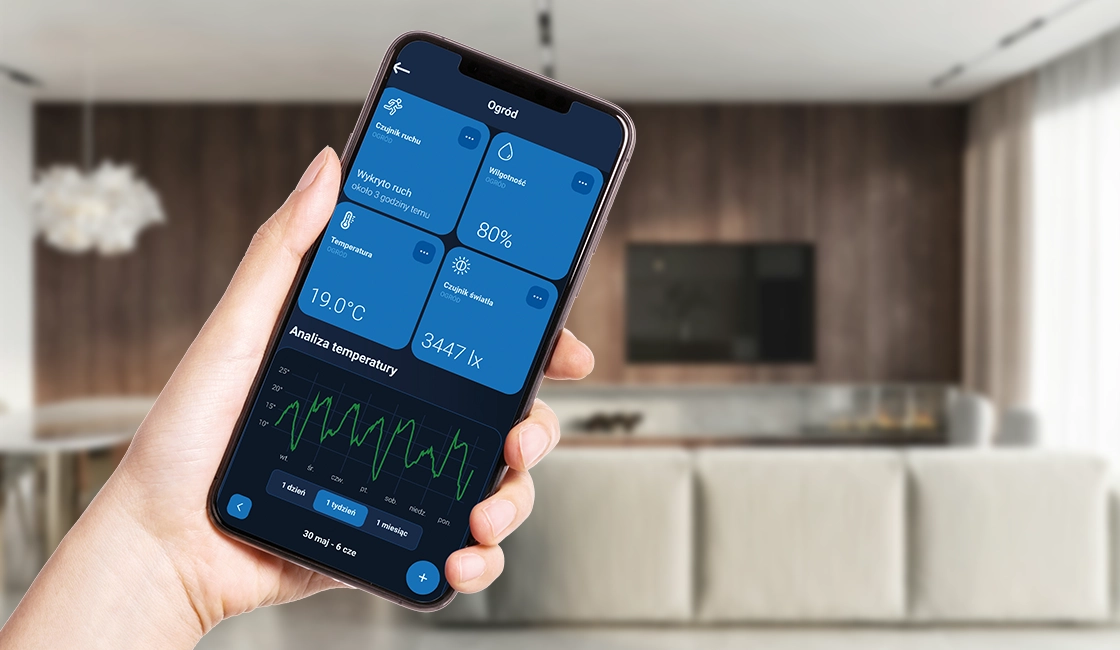
With the Sinum application, you can manage your system wherever you are and whenever you want. The application provides full control over lighting, temperature, blinds, and other household devices, ensuring convenience and energy savings. The intuitive interface allows easy creation of schedules and scenarios, as well as energy consumption monitoring. Additionally, the Sinum application offers real-time notifications and alerts, ensuring complete safety and comfort of use.